
Image container#
- class kornia.image.ImageSize(height, width)[source]#
Data class to represent image shape.
Example
>>> size = ImageSize(3, 4)
>>> size.height
3
>>> size.width
4
- class kornia.image.PixelFormat(color_space, bit_depth)[source]#
Data class to represent the pixel format of an image.
- Parameters:
color_space (
ColorSpace) – color space.bit_depth (
int) – the number of bits per channel.
Example
>>> pixel_format = PixelFormat(ColorSpace.RGB, 8)
>>> pixel_format.color_space
<ColorSpace.RGB: 2>
>>> pixel_format.bit_depth
8
- color_space: ColorSpace#
- class kornia.image.ChannelsOrder(value)[source]#
Enum that represents the channels order of an image.
- CHANNELS_FIRST = 0#
- CHANNELS_LAST = 1#
- class kornia.image.ImageLayout(image_size, channels, channels_order)[source]#
Data class to represent the layout of an image.
- Parameters:
image_size (
ImageSize) – image size.channels (
int) – number of channels.channels_order (
ChannelsOrder) – channels order.
Example
>>> layout = ImageLayout(ImageSize(3, 4), 3, ChannelsOrder.CHANNELS_LAST)
>>> layout.image_size
ImageSize(height=3, width=4)
>>> layout.channels
3
>>> layout.channels_order
<ChannelsOrder.CHANNELS_LAST: 1>
- channels_order: ChannelsOrder#
- class kornia.image.Image(data, pixel_format, layout)[source]#
Class that holds an Image torch.Tensor representation.
Note
Disclaimer: This class provides the minimum functionality for image manipulation. However, as soon as you start to experiment with advanced torch.Tensor manipulation, you might expect fancy polymorphic behaviours.
Warning
This API is experimental and might suffer changes in the future.
- Parameters:
data (
Tensor) – a torch torch.Tensor containing the image data.layout (
ImageLayout) – a dataclass containing the image layout information.
Examples
>>> # from a torch.tensor
>>> data = torch.randint(0, 255, (3, 4, 5), dtype=torch.uint8)  # CxHxW
>>> pixel_format = PixelFormat(
...     color_space=ColorSpace.RGB,
...     bit_depth=8,
... )
>>> layout = ImageLayout(
...     image_size=ImageSize(4, 5),
...     channels=3,
...     channels_order=ChannelsOrder.CHANNELS_FIRST,
... )
>>> img = Image(data, pixel_format, layout)
>>> assert img.channels == 3
>>> # from a numpy array (like opencv)
>>> data = np.ones((4, 5, 3), dtype=np.uint8)  # HxWxC
>>> img = Image.from_numpy(data, color_space=ColorSpace.RGB)
>>> assert img.channels == 3
>>> assert img.width == 5
>>> assert img.height == 4
- property channels_order: ChannelsOrder#
Return the channels order.
- classmethod from_dlpack(data)[source]#
Construct an image torch.Tensor from a DLPack capsule.
Example
>>> x = np.ones((4, 5, 3))
>>> img = Image.from_dlpack(x.__dlpack__())
- classmethod from_numpy(data, color_space=ColorSpace.RGB, channels_order=ChannelsOrder.CHANNELS_LAST)[source]#
Construct an image torch.Tensor from a numpy array.
- Parameters:
data (
Any) – a numpy array containing the image data.color_space (
ColorSpace, optional) – the color space of the image. Default:ColorSpace.RGBchannels_order (
ChannelsOrder, optional) – what dimension the channels are in the image torch.Tensor. Default:ChannelsOrder.CHANNELS_LAST
- Return type:
Example
>>> data = np.ones((4, 5, 3), dtype=np.uint8)  # HxWxC
>>> img = Image.from_numpy(data, color_space=ColorSpace.RGB)
>>> assert img.channels == 3
>>> assert img.width == 5
>>> assert img.height == 4
- property layout: ImageLayout#
Return the image layout.
- property pixel_format: PixelFormat#
Return the pixel format.
- print(max_width=256)[source]#
Print the image torch.Tensor to the console.
- Parameters:
max_width (
int, optional) – the maximum width of the image to print. Default:256- Return type:
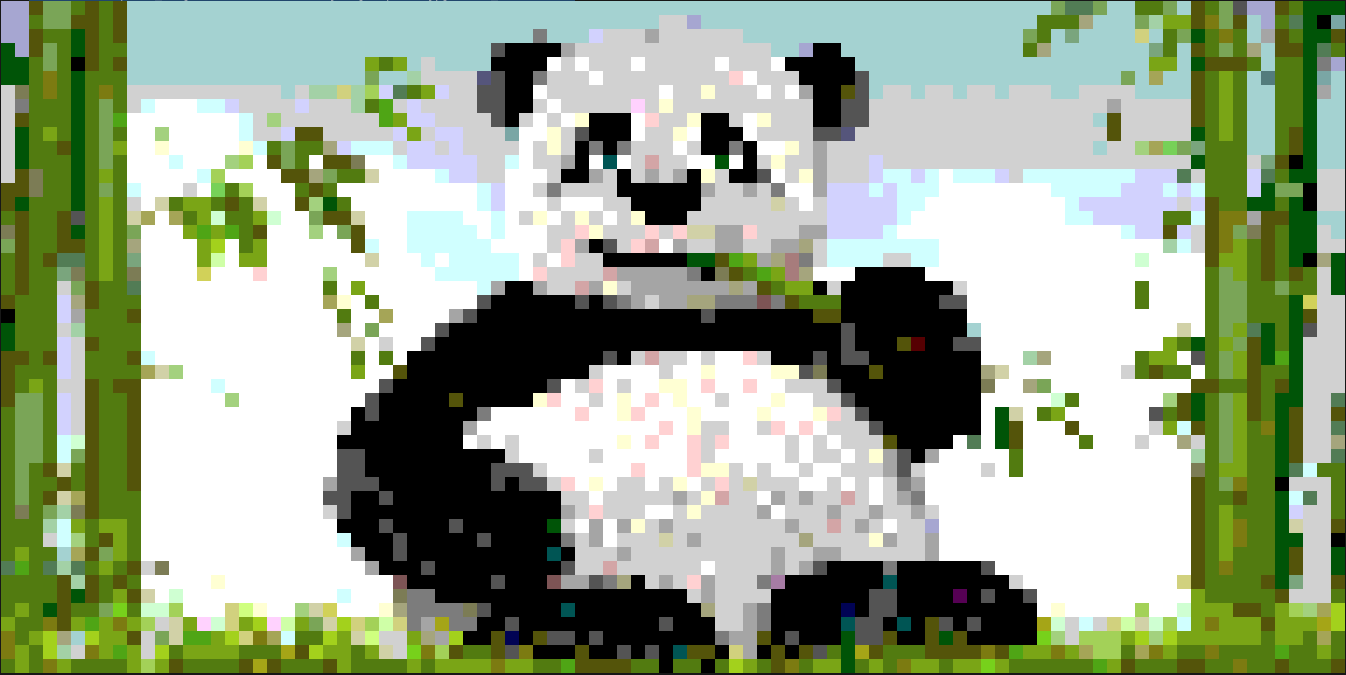
img = Image.from_file("panda.png")
img.print()